The app step by step · Chapter 27
News and proposals
In a shared space, things change even while you're away. nexlore shows you what has happened and lets readers help too, without them being able to overwrite anything.
Seeing what others have changed
At the top of the sidebar there's a folded section New since your last visit with a count. In it you'll find the notes others have changed since you last opened them, and in the sidebar they carry a dot.
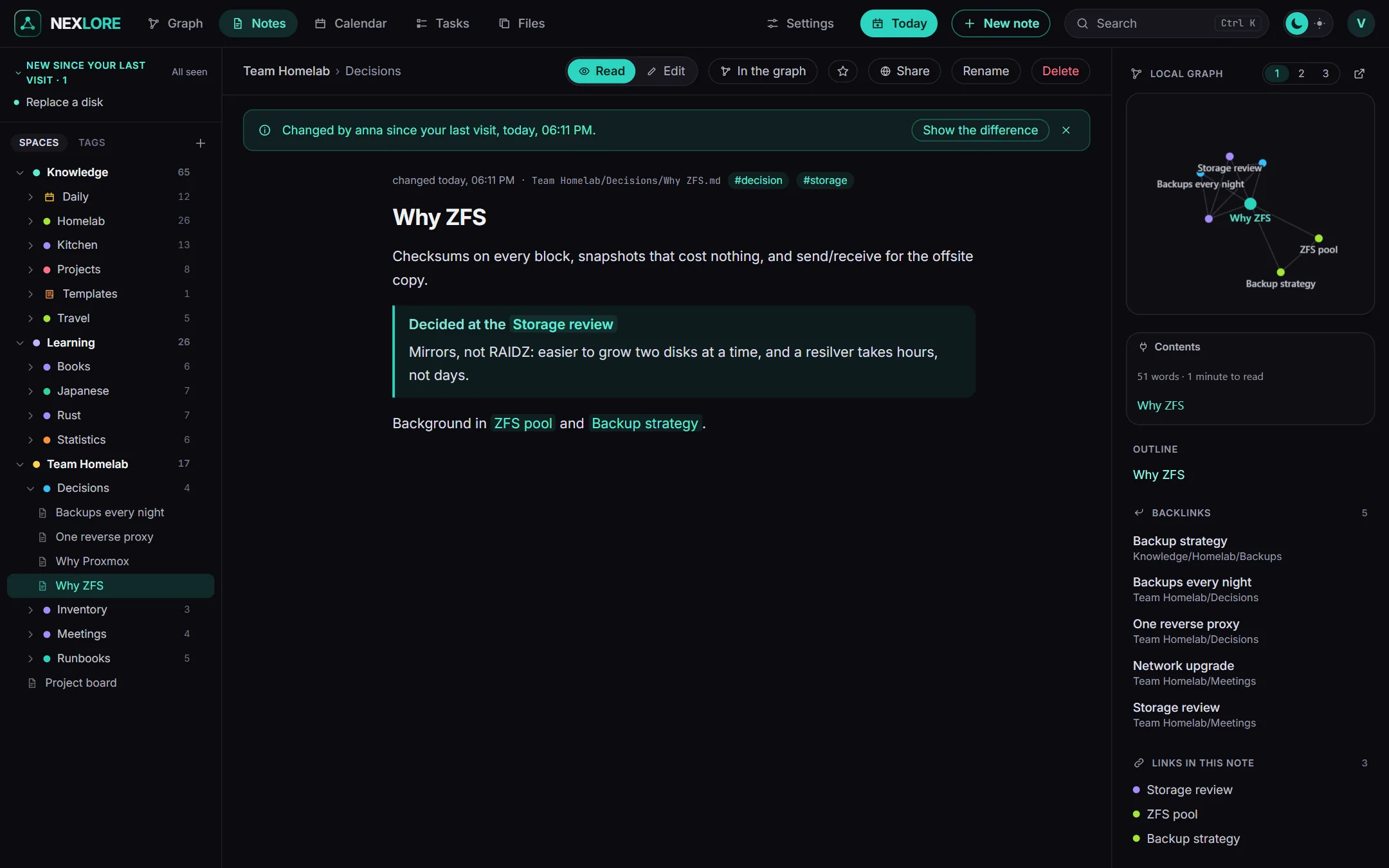
- Who, when and what: When you open one of these notes, it says at the top who changed it and when, or that it was changed from outside.
- Show the difference: nexlore puts the version you last saw next to the current one.
- Seen: A note counts as seen as soon as you have opened it once, and All seen clears the whole list in one go.
- Your own changes: Whatever you changed yourself never shows up here.
Proposing changes, even if you may only read
Whoever may only read in a space sees the button Propose on a note. It opens the text as Markdown. You change what you would change, add a short message and send the proposal off, and the note itself stays as it is.
- Whoever may write sees the proposal
It shows up as a notice on the note and in the account menu.
- Compare
Before and after stand side by side, together with the message.
- Take it over or turn it down
Taking it over saves just like the editor does. If the note has changed in the meantime, the proposal lands next to it as a conflict copy, so nothing is lost. The person who made the proposal hears back.
Lore saysDrafts from an AI over MCP work the same way, with a notice on the note, comparing and then taking it over or throwing it away. There's more in the chapter AI.